Why after using Mac to do low level development for a week, I switched back to Linux?
I know that this may make some of you disagree, but in this blog, I will explain exactly why I don't like using a Mac to develop low level programs like kernels and cross platform development.

I am recently writing code for my Valecium OS project and also trying to get WineHQ running on a Mac without Rosetta2 (for aarch64 Windows apps), which I think are some common use situations for low level and cross platform development.
My Journey of Running WineHQ
My target for Wine on Mac is that I can have a working Wine 11. With Wine able to run aarch64 Windows executables on my host, and not use Rosetta, while also enabling 64-bit executables.
Originally, I thought it was easy as to just download it from Homebrew and run it right out of the box, but I was wrong. Very wrong...
Note: I don't use Crossover because the public repository only supports Wine 9
The Problems with Homebrew
The first problem I encountered with Homebrew was that it gave me a warning saying
Warning: wine@devel has been deprecated because it does not pass the macOS Gatekeeper check! It will be disabled on 2026-09-01.”And as a person that does not like using things that will be deprecated, I decided to not use homebrew to install WineHQ.
You may also want to know why I don't use MacPorts, and the only reason I did not do so was because Wine had a large dependency chain, and I don't want to install everything again on MacPorts since I have Homebrew already.
The Next Option (only option)
The next logical option for me was to just compile from source, I
already have all the dependencies, and the only thing I have to specify
is –-enable-win64 –-with-mingw and set the Bison path to my
Homebrew Bison.
But Autoconf wants a LLVM MinGW toolchain, while the Homebrew MinGW toolchain was only for GCC, and I also had to compile LLVM MinGW myself by using Mstorsjo's LLVM MinGW compiling script which was very and got this working, and surprisingly the entire set of toolchain was only 300MB.
Finally, Autoconf passed smoothly with no problem, and I was imagining the next steps will be the same, but no.
Make did compile all the things, and generated the final Wine executable, but when I try to run it with a built-in application like notepad, the process will die instantly, after I launched it. So I went to the Interent to search for answers.
Debugging Wine
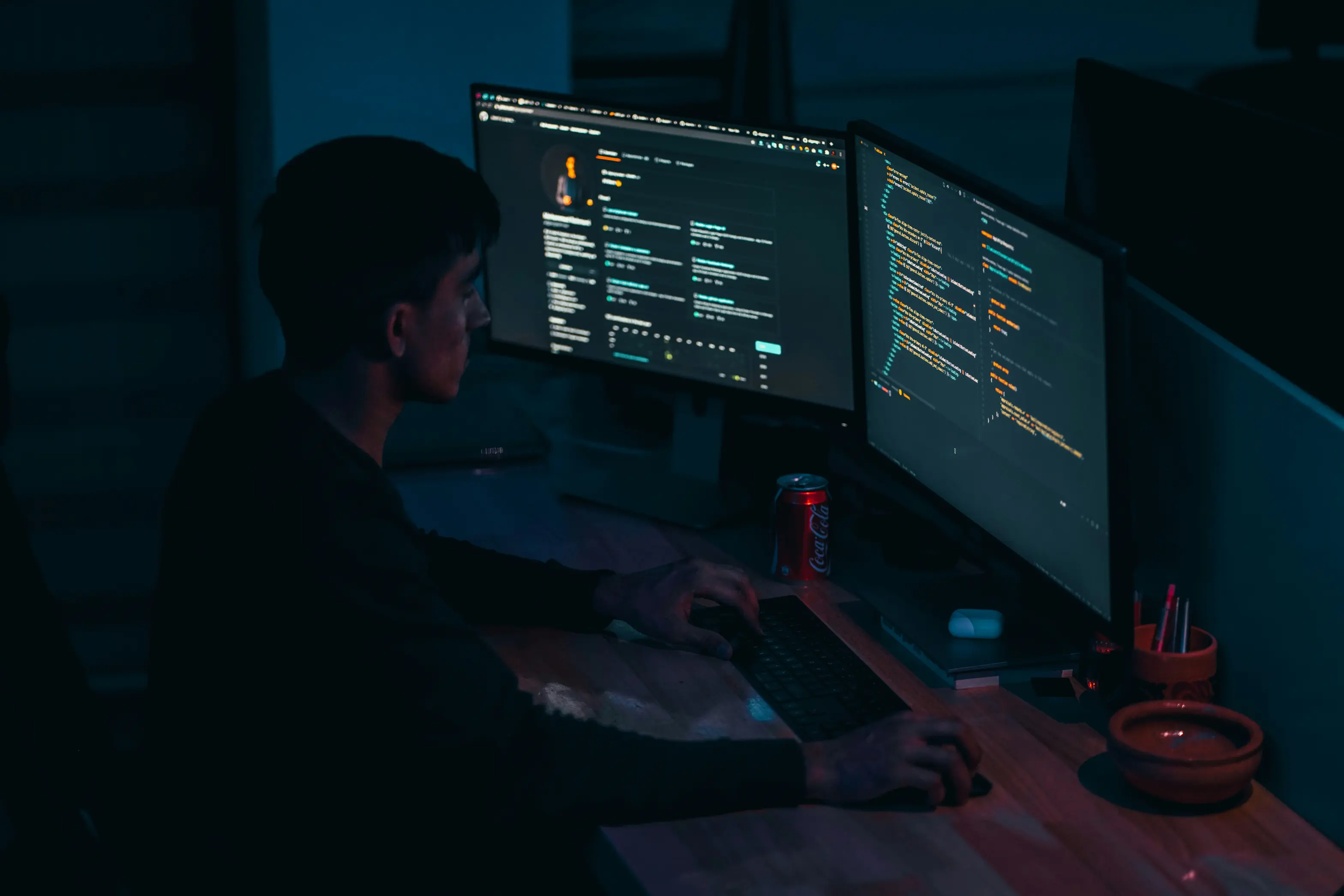
After going on the Internet I found that the potential problems:
-
The executable was not signed, and it could not run
-
Wine Preloader was not able to reserve the low 4GB of memory
-
16KiB page sizes on Mac could not be used on with Windows apps that uses a 4KiB page size
So I started with the first one, as it was just a single shell command, and of course it did not work, as the same error message was returned.
The next problems were really not what I can solve as I didn't want to spend that much time modifying the source code, so I decided to find other ways.
Until this blog was published, I still did not get Wine running on my Mac.
Building a Disk Image for My OS
The standard way of building a disk image also does not work on a Mac, you can see how does it work base on my previous blog, Building Bootable Images in Userspace: Avoiding the Loop Device Trap, they all use specific Linux commands, and although Mac is Unix, they don't work.
-
GNU Parted - The standard tool for partitioning disks
-
Losetup - You cannot create loopback devices on Macs
-
Filesystems besides FAT - Mac cannot read them
-
GRUB - grub-install does not work
These are the very common OSDev tools, and they all does not work on Mac because Apple decided to reduce the compatibility on low level tools.
Another very needed tool was not supported, Libguestfs. This is not Apple's fault, but only because it needs a Linux kernel to operate, and it depends on the host's Linux kernel, which Macs do not have, and making it not operate on Macs very good although Mac is marked as "supported".
And finally is fuse filesystems, is a key thing. The guestmount fuse filesystem does not work, and the fuse filesystem support from 2efsprogs also does not work for Macs. Macfuse is the only option.
The Conclusion
So, I shared my journey on the 2 things I tried to do on a Mac about programming, and unfortunately they failed, and it was all for reasons that you cannot really solve without a very large effort that I don't really think I will take, and it was not that worth it.
And what I want to say with this blog is that Apple is still hostile to these type of development, and you can know this by a series of action they did. Deprecated OpenGL, X11 support, Single User Mode, OpenSSH, Bash, Unix directory access (/System is under SIP), force signatures to execute excutables, and deprecating Rosetta in the future.
Not all of them are Apple's fault, I understand that Apple is trying to create a "safe" environment for people that are not developers, or just having an operating system for normal daily tasks. And I appreciate that Apple is doing so, but for development.
Macs are not good for them (especially low level and cross platform), and Apple is trying to make it so.
Support the Research
I spend about 6 hours a week outside of my main work to write these deep-dives into C, Java, and systems performance. If my work adds value to your engineering toolkit, there are two ways to support the project:
One-Time Support
Simple way to say thanks for a specific fix or tutorial. Donate via Crypto (Any Amount)
Other ways to support
You can visting the Support for more ways to support me and sustain the blog community.