I Used Blender, and In a Programmer’s Prospective
I have not wrote blogs for a while, because of various things regarding to my job. But recently, I started to use Blender -- the 3D modelling software. And this is not my first time using Blender, but it is my first time seriously using it, so I believe that most things I did this time was new to me.

Blender Foundation, CC BY-SA 4.0, via Blender.org
I am just going to say, Blender is a spectacular piece of software. While the bad side being that it is too fun to use that I sat in front of my computer for 2 days straight besides sleeping and eating. Which made my pinky barely movable.
Installing Blender
Because I am a programmer, and Blender is open source, finally I am working on Linux. I decided that I would compile blender myself and use flags like "-O3" and "-march=native" to ensure that I have absolute maximum performance when running on my host.
First, I downloaded the source code. Blender maintains all its dependencies independently, which I can just download a pre-compiled version via "make update" and then uses CMake to configure and build the project, which had no problem detecting my Nvidia GPU.
After it is done compiling, I had to install it, but Blender does
not follow the program directory structure that Unix uses, but
instead it creates its own independent directory for each version, and
it assumes that you already create an independent directory for it. So,
when I was trying to let it install to /usr/local, it installed itself
to /usr/local/5.2 which is my blender version.
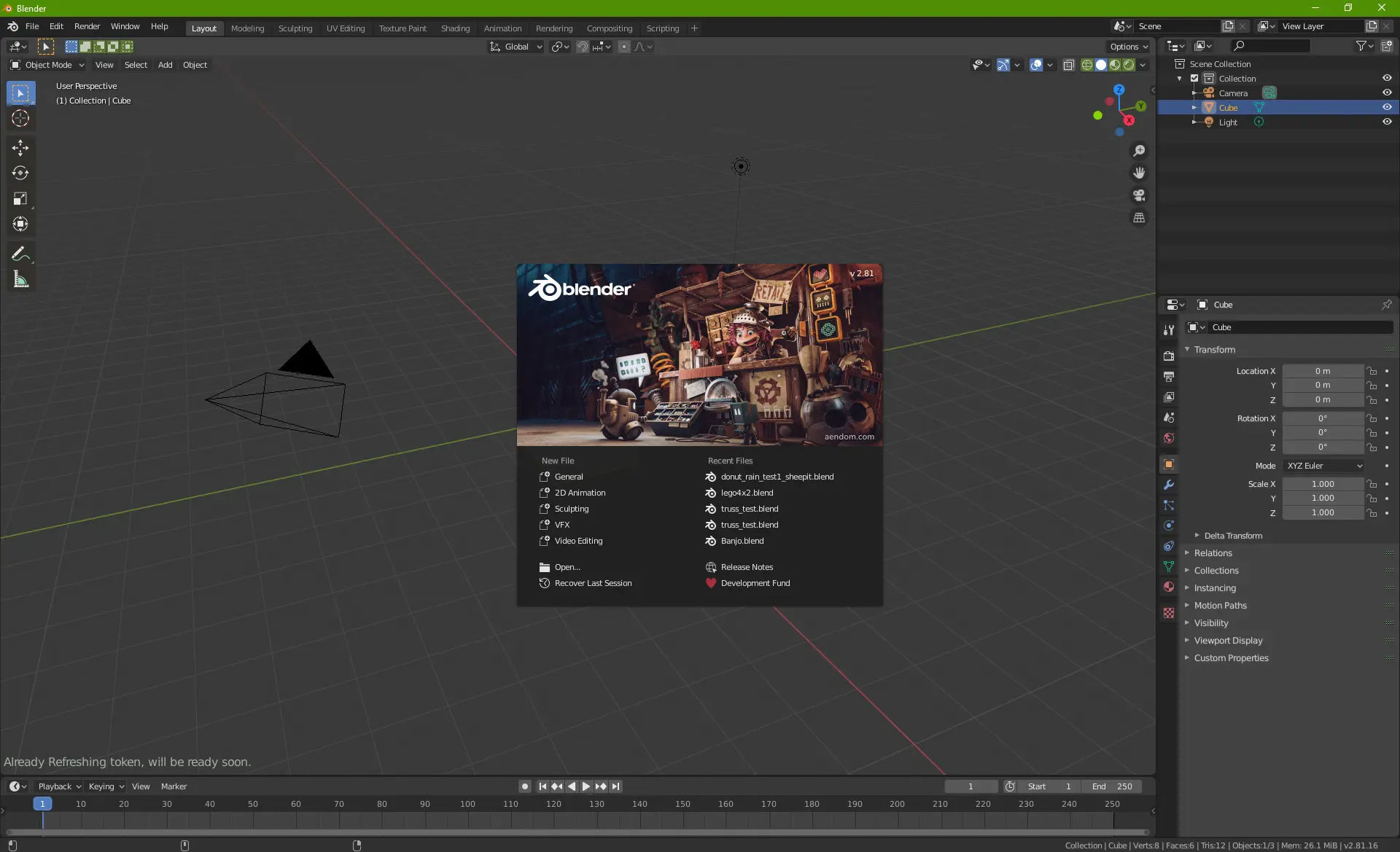
Blender Foundation, CC BY-SA 4.0, via Wikimedia Commons

Therefore, I recommend set the prefix to an independent directory when
installing Blender, like /usr/local/blender. Within the Blender
installation directory, the executable is directly on the top-level
directory, and there is no "bin" folder, so it is better for me at least
to symlink the executables to /usr/local/bin so I won't have to add any
more things to PATH.
Overall, I think this is very good, as I did not see any weird errors when building, and I don't have to deal with shared library versions and other annoying things.
Create a Model
Now I can finally start modeling, I decided to make an airplane, or an Airbus A350-900 to be exact, as it is a childhood dream to create a model of this plane.
How To Make a Model?
But I have absolutely no idea on how I am supposed to do this, as I had never done it before. And I end up learning it the hard way to do it.
Since there is a thing called AI, I completely forgot that YouTube tutorials exist, so I just started to ask AI on how should I do it. Which it did gave me a few steps to make a model, which I think is reasonable:
-
Download a blueprint and import it into Blender
-
Structure the plane by tracing the blueprint
-
Create details like windows and doors
-
Add colour via the "material" section
Importing a Blueprint
Airbus was nice enough to provide blueprints for all their planes like the A350 and A320, which you can find on the official Airbus website for free.
But there is a minor problem, because Airbus uses AutoCAD for their blueprint drawings and the blueprint is only available in a DWG file. I know Blender has extensions that allows you to import DXF files (the open source variant of DWG), but I still had to convert it.
I tried 3 options, for converting a DWG to a DXF -- FreeCAD, CloudConvert and LibreDWG, and I will be talking about how all 3 options failed for me.
CloudConvert
CloudConvert was the first option I tried as it is the easiest, while CloudConvert did gave me a "converted" DXF file, the size is very small, which already raised my suspicion of it not working correctly, and when I imported it into Blender, the only thing that showed up was "cargo_door_0".
LibreDWG

Rodrigo Rodrigues da Silva, Felipe Correa da Silva Sanches (São Paulo, Brazil), GNU LibreDWG development team (Free Software Foundation), CC BY-SA 3.0, via Wikimedia Commons

LibreDWG is developed by GNU to serve as a DWG to DXF or SVG converter (according to my knowledge), and it is a surprisingly very active project, which gave me some hope of it working.
Installation is very easy, I just used my Linux distribution's package manager (APT in my case) to install it, but when I run the command "dwg2dxf" it gave me the same file size, and it is also broken when I load it inside Blender.
Question: I suspect that CloudConvert also uses LibreDWG to convert these? I do not know, if someone knows please reply in comments or email me.
I also tried to use "dwg2svg" which supposably would converts a DWG to SVG curves, which Blender also supports. But guess what, it gave me 5 lines of SVG, literally 5 lines for an entire aircraft. Which obviously did not work
FreeCAD
This is the final option I found, which is use a 3^rd^ party software that acts as an intermediate layer which does the conversion between a DWG and whatever format FreeCAD supports. But when I try to run FreeCAD and create any empty project or import a DWG file, FreeCAD just crashes, so it is really not any option.
What did work
For this, I found a solution purely by accident. I tried CloudConvert another time, but this time instead of making a DWG into a DXF, I let it convert from a DWG to SVG vectors, which finally gave me a reasonable file size, and when imported into Blender, it does indeed work.
The Stupid Single Thread Calculation
Now I have the blueprint imported, Blender became very slow, because there are a million curves on the blueprint, so I wanted to convert the curves into meshes, and join all meshes together into 1 mesh.
This is easy, just select all the lines, then right click and select "convert to" and then select "mesh", then after that select all the meshes and do shift-J in object mode. But what surprised me is the speed of Blender -- slower than a turtle.
As you know, I have a Nvidia GPU, but when Blender is trying to convert curves into meshes, it could only use the CPU to do that, and it is single threaded. I found this out because since I had a million lines, when I click convert, Blender stopped responding immediately.
So naturally, I opened nvtop, which is the activity monitor for Nvidia GPUs on Linux, but I do not see the GPU being used to an extent that Blender will stop responding. It is only when I opened htop where I see that a single Blender background worker is using a single thread on my CPU calculating the millions of curves into meshes.
I end up waiting 10 minutes for Blender to convert the curves into meshes, and after that I checked the settings, and it is set so that Blender will use my GPU, but somehow it is not. Then I let Blender merge all meshes into 1, which also took another 5 minutes.
Modelling Is Actually the Easiest
Finally, I can start modelling, and this is actually the easiest part. You just create cylinders for each part of the plane, and extrude them to make it into the shapes of an airplane. The details were also easy for me to make because I can just edit each vertices.
The vertices system is also what I like about Blender the most, where Blender only provide a few pre-made shapes, and you have to create vertices on those shapes to make what you want, which gave you absolute freedom of what you can do here.
The UI layout is also something I very like, because it minimises "icons" and write everything in text, so even if I don't know anything about the buttons I still know what it does, and I don't have to hover over the icon to see the tool tip text.
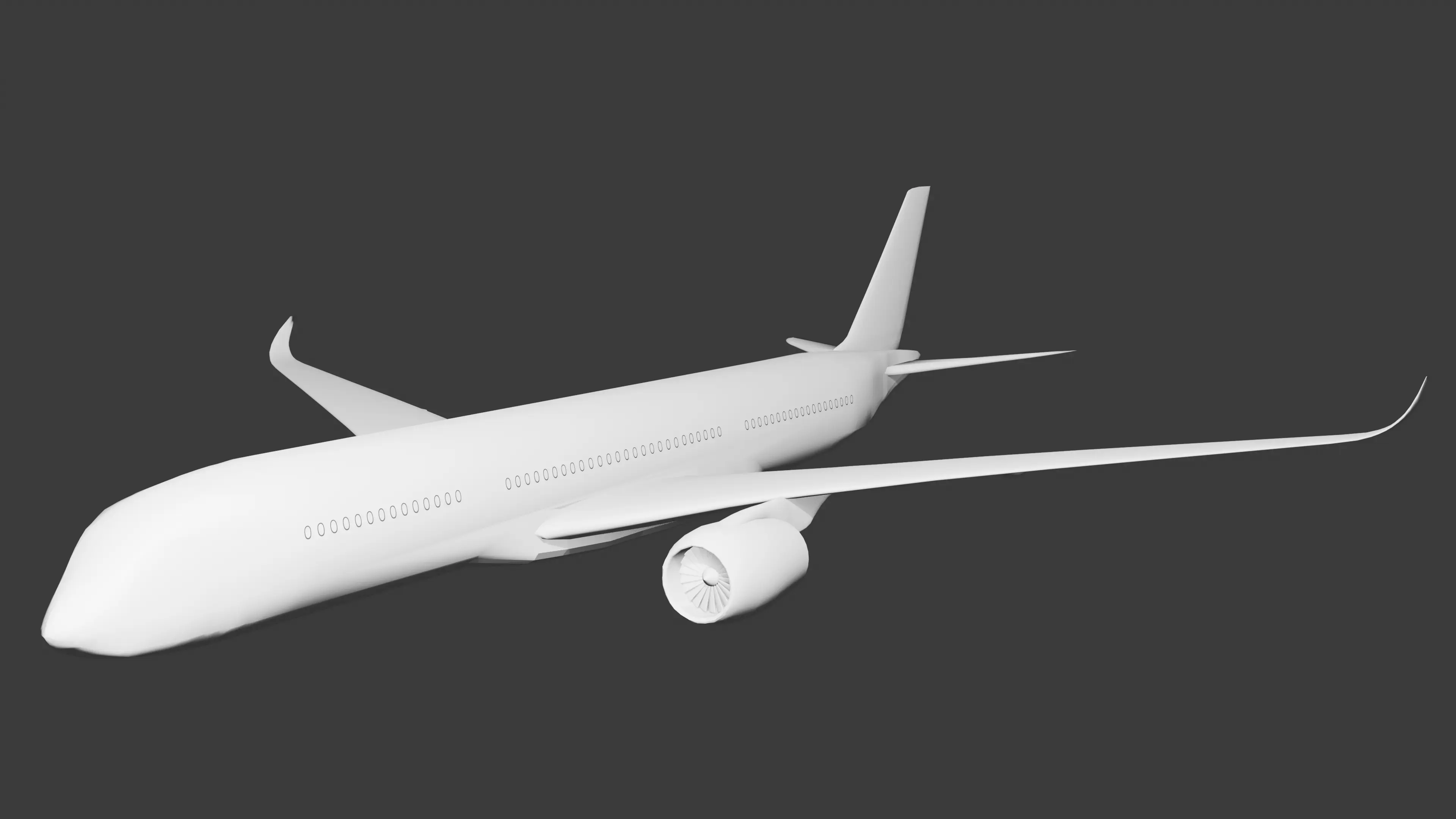
By Vincent Yang (me)
Conclusion
This blog is long, but what I want to say is that every piece of software has its pros and cons, and it is purely on yours perspective and your use case of determining if a piece of software is good or bad to you.
In this Blender scenario, if you are a person that just wants to do some 3D modelling and animations, I think Blender is an excellent choice for you because it has high compatibility, it is fully free as free software and it is lighter that other options with a size of only 1GB.
But if you are working with other people using other software, Blender may be an issue for you on converting between file formats, and in my knowledge, Blender is very different than Fusion or SketchUp.
支持这些研究

我每周大约会在主业之外投入 6 小时,撰写关于 C、Java 与系统性能的深度解析。如果这些内容能为你的工程工具箱带来价值,你可以通过以下两种方式支持这个项目:
一次性支持
简单地为某次修复或教程说声谢谢。 请我喝杯咖啡($5)
其他支持方式
你也可以访问 支持 页面,了解更多支持方式,帮助我维持并发展这个博客社区。